

No coding, no subscription. Set it up once and hand the device to your customers.
TWO KIOSK MODES
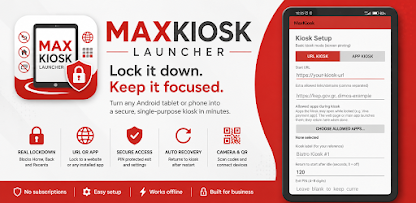
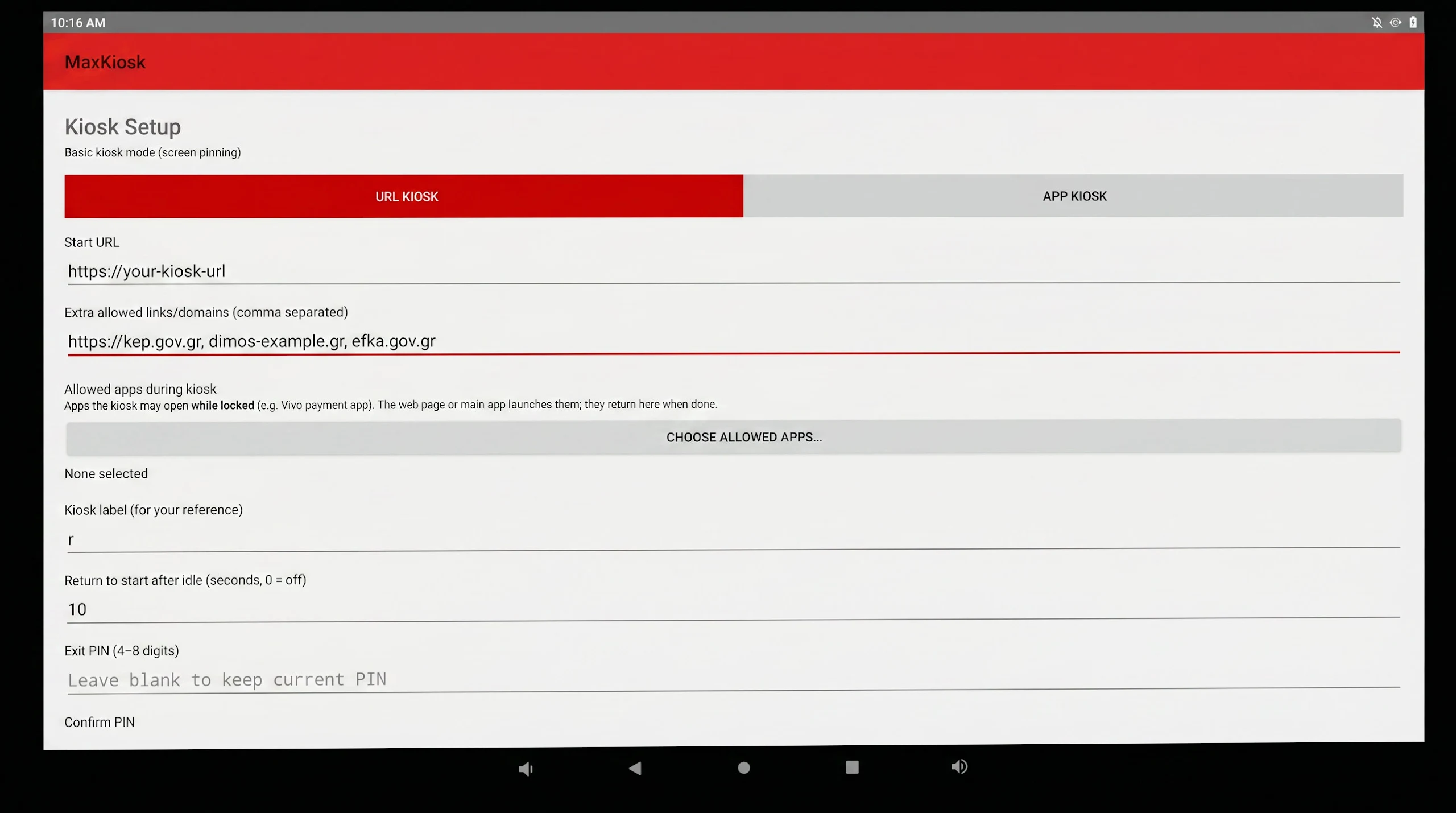
• URL Kiosk — show any website full-screen (self-ordering page, QR menu, check-in form, booking page, government/municipality e-services, information portal).
• App Kiosk — lock the device to any installed Android app.
REAL LOCKDOWN
• Hides the status and navigation bars.
• Blocks Home, Back and Recents so the device can’t be minimized or switched.
• Uses Android Lock Task (device-owner) for total, unescapable lockdown, with an automatic screen-pinning fallback on devices you can’t reset.
• Boots straight back into the kiosk after a restart.
• PIN-protected exit and settings via a discreet corner gesture.
BUILT FOR REAL BUSINESSES
• Allowed apps — let selected apps (such as a card-payment app) open during a locked session and return automatically, without breaking the lockdown. Perfect for pay-at-kiosk setups.
• Allowed websites — permit specific extra sites (comma-separated links or domains) so a single kiosk can offer several services, while every other site stays blocked.
• Return to start — after a set idle time the kiosk automatically reloads its start page for the next customer.
• Home button — appears when a visitor opens a linked site, so they can jump back with one tap.
• Camera / QR scanning supported. • Local receipt-printer connections supported. • Keep-screen-on. • Automatic offline reconnect.
PERFECT FOR
Restaurants and cafés • Self-order and self-check-in points • QR menus • Retail and showrooms • Events and reception desks • Museums and info points • Municipality and public-service kiosks • Any tablet you want to lock to one job.
SIMPLE SETUP
Install the app and open it. 2. Choose URL Kiosk or App Kiosk and enter your address or pick your app. 3. Set an exit PIN and tap Save & Start Kiosk.
For maximum security on dedicated devices, MaxKiosk Launcher can be provisioned as the device owner for full, unbreakable lockdown (setup guide included).
PRIVACY
Max Kiosk Launcher does not collect, store, or share any personal data. It simply displays the website or app you configure.
Max Kiosk Launcher by Pampart Design.
